

Onboarding Process
1. Select Your Signup Method
Choose either to sign in with X (Twitter), Discord, or enter your email to receive a magic link.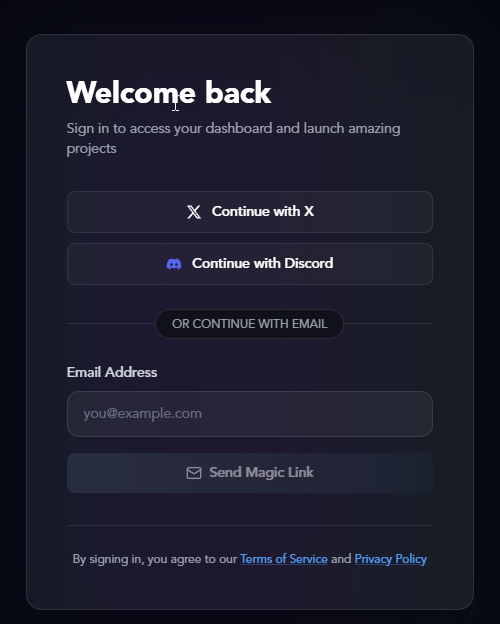
2. Check Your Email (Email Signup Only)
If you signed up via email, we’ll send a magic link to your inbox. Click the link to verify your account. The link will expire in 10 minutes.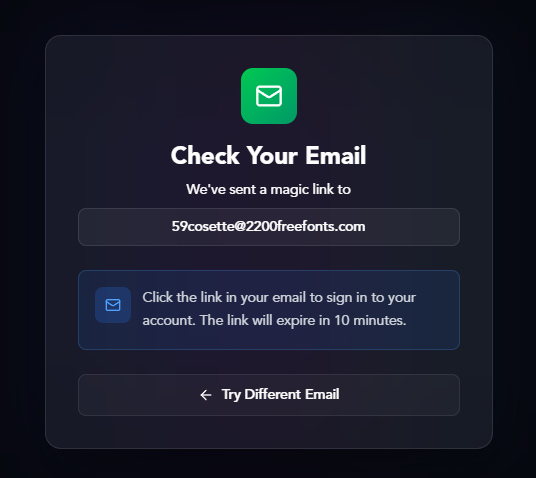
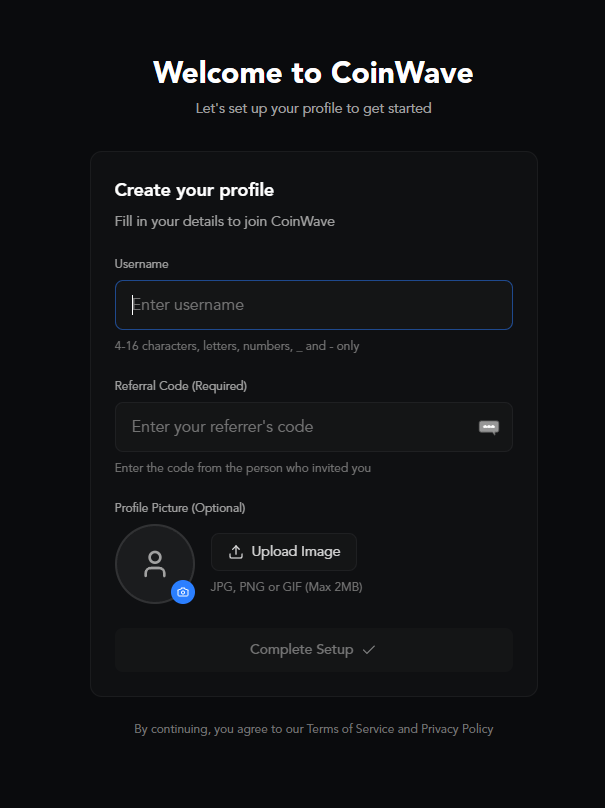
3. Create Your Profile
Fill in your details to complete your CoinWave account:- Username: Choose a unique username (4-16 characters, letters, numbers, _ and - only)
- Referral Code: Enter the code from the person who invited you (required)
- Profile Picture: Upload an image (optional, JPG, PNG or GIF, max 2MB)
4. Save Your Recovery Passphrase
We’ll generate a 12-word recovery passphrase for you. This is shown only once.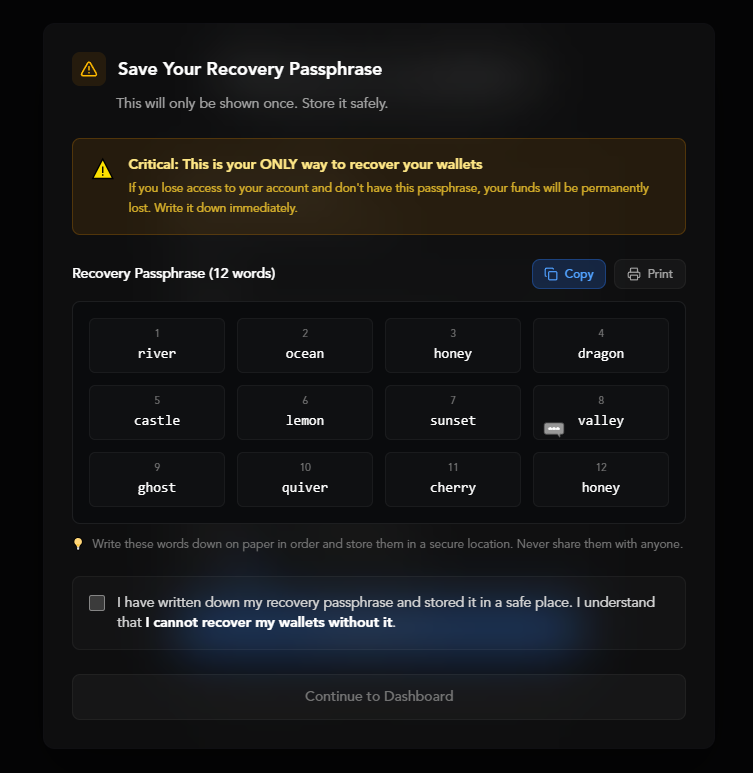
Write these words down on paper in order and store them in a secure location. Never share them with anyone.
5. Start Launching
Once you’ve confirmed you’ve saved your recovery passphrase, you’re ready to go! Head to your dashboard to start deploying tokens.Need help? Join our Discord