

Profile
Manage your account information and connected services.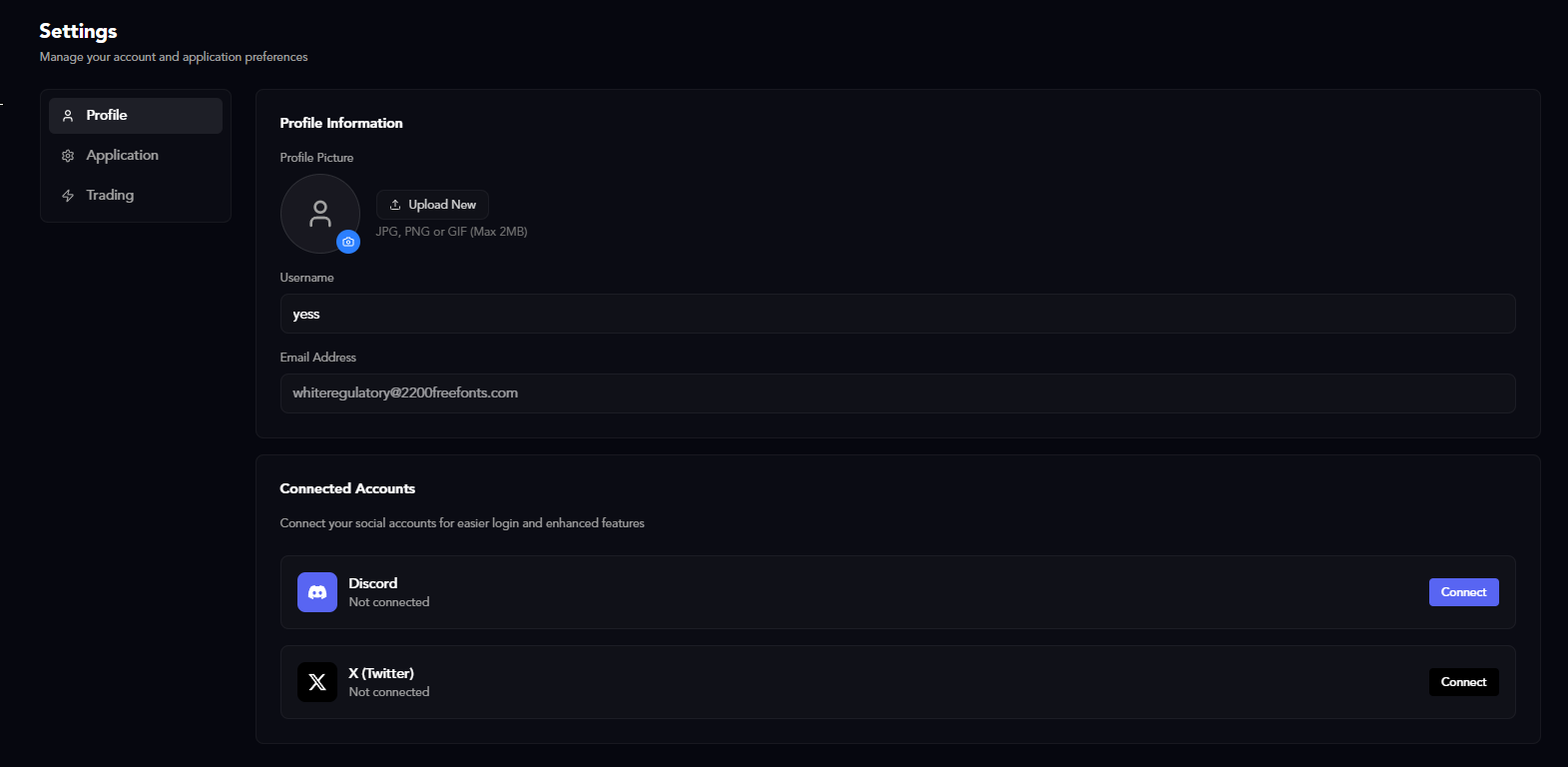
Profile Information
- Email: Your account email address
- Username: Your CoinWave username
- Password: Change your account password
Connected Accounts
Link your external accounts to signin using social auth:- Twitter/X
- Discord
Application
Customize the general behavior and appearance of CoinWave.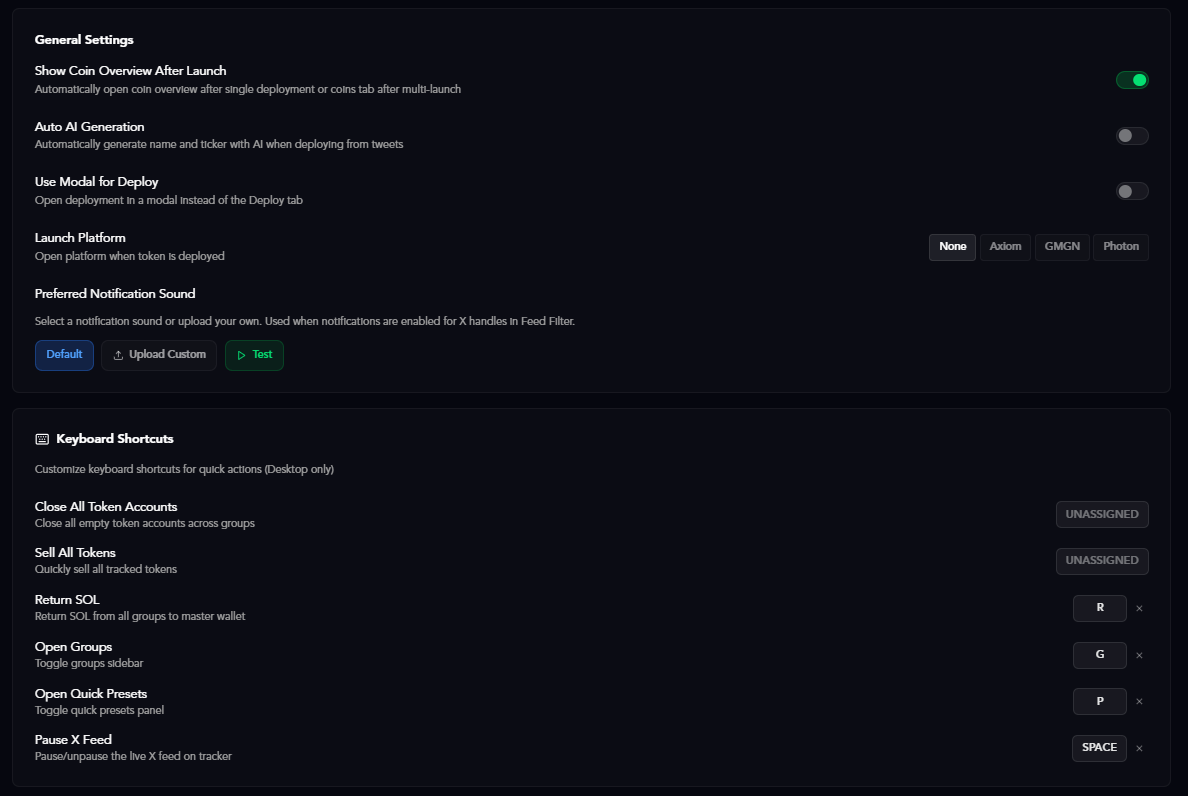
General Settings
- Default Jito Connection (Rec 4 Launch): Enable recommended Jito connection for launching tokens
- Instant TX Confirmations: Get instant transaction confirmations instead of waiting for blockchain confirmation
- Jito Mode for Volume: Use Jito mode when generating volume/activity
- Confirm All Actions: Require confirmation dialogs before executing actions (recommended for safety)
Advanced Configuration
Advanced settings for experienced users:- Advanced Jito Configuration: Customize Jito RPC settings
- Custom RPC Endpoints: Add your own RPC endpoints for improved performance
Dashboard Elements
Toggle which elements appear on your dashboard:- Full Sell Elements: Show advanced selling options
- Hold Per Wallet: Display individual wallet holdings
- Quick Return Elements: Show quick return SOL buttons
- Priority SOL Elements: Display priority fee controls
Keyboard Shortcuts
View and customize keyboard shortcuts for faster navigation:- Twitter Feed Pause: Spacebar to pause/unpause the Twitter feed
Themes
Choose your preferred color scheme:- Theme Picker: Select from available themes to customize the interface
Trading
Configure your trading execution settings and fee preferences.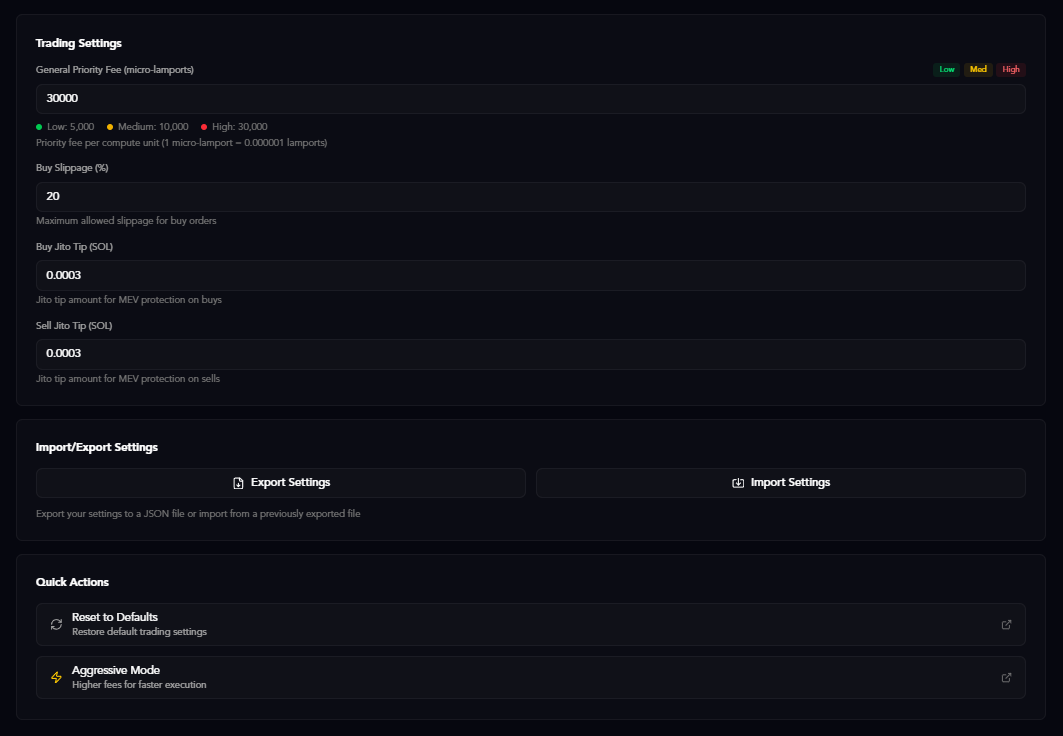
Trading Settings
Core trading parameters:- WSOL: Use Wrapped SOL for trading (recommended for faster execution)
- Unit Limit (CU): Compute unit limit for transactions (default: 300000)
- Unit Price (in microlamports): Compute unit price for priority fees (default: 50000)
Buy/Sell Priority Fees
Set priority fees for buy and sell transactions to increase execution speed:- Buy Priority Fee: Higher fees = faster buy execution
- Sell Priority Fee: Higher fees = faster sell execution
Priority fees are paid to validators to prioritize your transactions. Higher fees increase the likelihood of your transaction being processed quickly, especially during high network congestion.
Slippage
Control how much price movement you’ll accept:- Default Slippage %: Maximum price deviation you’ll accept (default: 25%)
Jito Tips
Configure Jito tip amounts for different actions:- Jito Settings: Customize tip amounts for various transaction types
Import/Export Settings
Backup and restore your configuration:- Import Settings: Upload a previously exported settings file
- Export Settings: Download your current settings as a file
Need help with specific features? Check out our FAQs or explore the Core Features documentation.